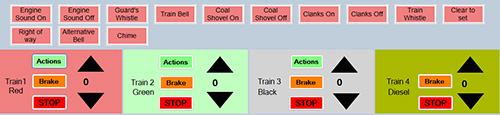
Whatever mode is set the user can always use the menu for changing the speed of the trains and the sounds that they make. (Except the deisel which is not sound enabled). The interface for this is shown below. Clicking the ‘Actions’ button shows the sound actions for the train which can then be used. The large up and down arrows control the speed. ‘Brake’ and ‘Stop’ are self explanatory.
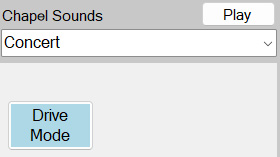
The ways trains can be operated is set by clicking the mode button which cycles through ‘Drive’, ‘Random’, and ‘Tour’. These are described below.
In this modethe user is resonsible for the speeds of the trains, where they start and stop and all the settings for the points. There is no automatic intervention at all.
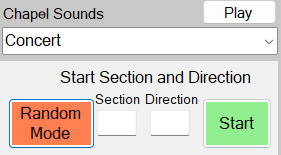
The user must state the section number of the track where the train starts and which direction it points it. Then pressing the ‘Start’ button and setting the train in motion will cause the train to “forage” in a random fashion around the track – just avoiding places where it would have to reverse to get out.
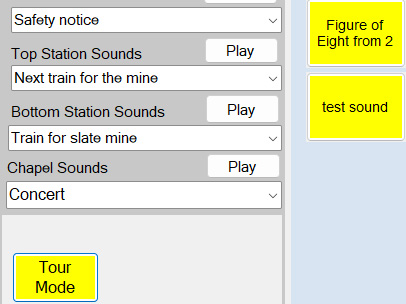
When ‘Tour’ is displayed a list of pre-programmed tours are shown. The user must ensure the the train is in the correct place for the tour start. When the selected tour button is clicked the train will follow the tour without further intervention. It is possible to set a tour to be on a repeating loop if the start and end are in the same place.
The slate trains – the Diesel and Blanche (black Hunslet) – have their own routes around the slate mine area. These are chosen from the ‘Slate Mine Transport’ combo box near the lower right of the interface screen.